
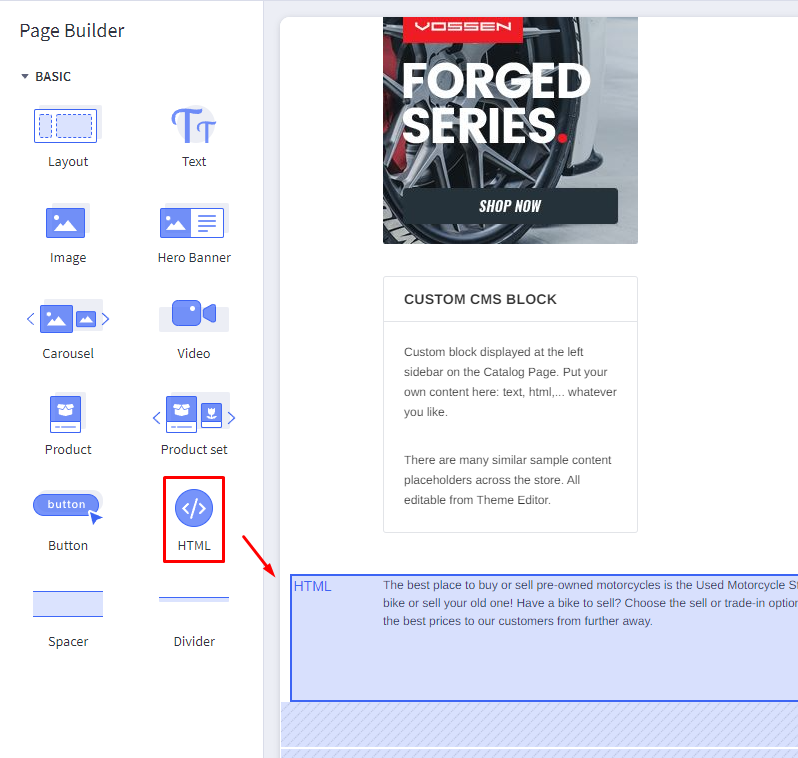
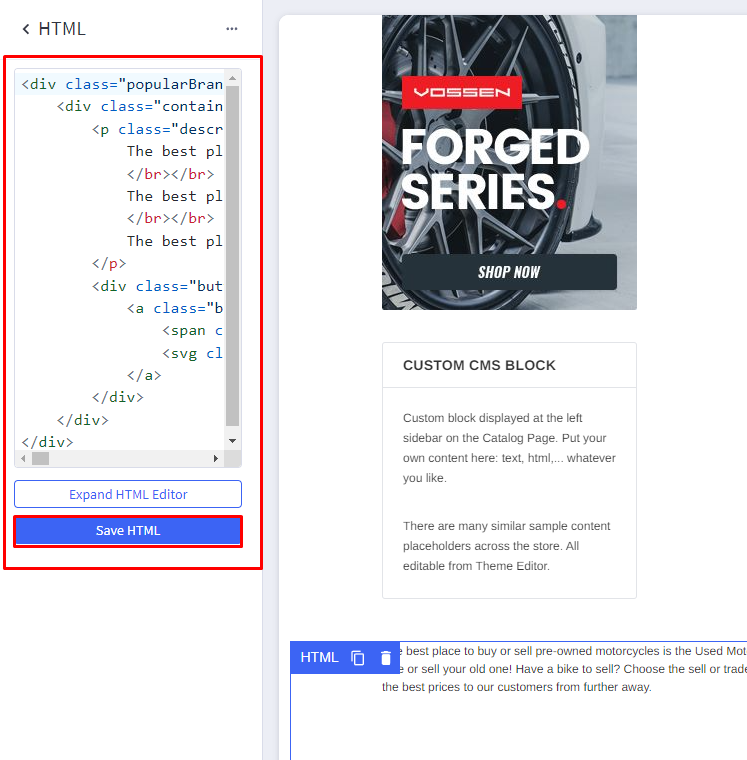
The best place to buy or sell pre-owned motorcycles is the Used Motorcycle Store, with our easy buying and selling processes. Our delivery and shipping policies mean you don’t even have to leave your home to get your new bike or sell your old one! Have a bike to sell? Choose the sell or trade-in options to find out more about what we can offer for your used motorcycles! We accept sales from across the continental United States, so we can offer the best prices to our customers from further away. The best place to buy or sell pre-owned motorcycles is the Used Motorcycle Store, with our easy buying and selling processes. Our delivery and shipping policies mean you don’t even have to leave your home to get your new bike or sell your old one! Have a bike to sell? Choose the sell or trade-in options to find out more about what we can offer for your used motorcycles! We accept sales from across the continental United States, so we can offer the best prices to our customers from further away. The best place to buy or sell pre-owned motorcycles is the Used Motorcycle Store, with our easy buying and selling processes. Our delivery and shipping policies mean you don’t even have to leave your home to get your new bike or sell your old one! Have a bike to sell? Choose the sell or trade-in options to find out more about what we can offer for your used motorcycles! We accept sales from across the continental United States, so we can offer the best prices to our customers from further away.