> For the complete documentation index, see [llms.txt](https://halosoft.gitbook.io/soul-documentation/llms.txt). Markdown versions of documentation pages are available by appending `.md` to page URLs; this page is available as [Markdown](https://halosoft.gitbook.io/soul-documentation/product-page/how-to-set-up-a-pre-order-product.md).
# How to set up a Pre-Order product
When the following conditions are met:
* The product is **sold out**,
* **Track quantity** is enabled,
* And **Continue selling when out of stock** is checked,\
→ The **"Add to Cart"** button on the storefront will automatically display as **"Pre-Order"**, allowing customers to place an order in advance.
***
## Steps to Enable Pre-Order:
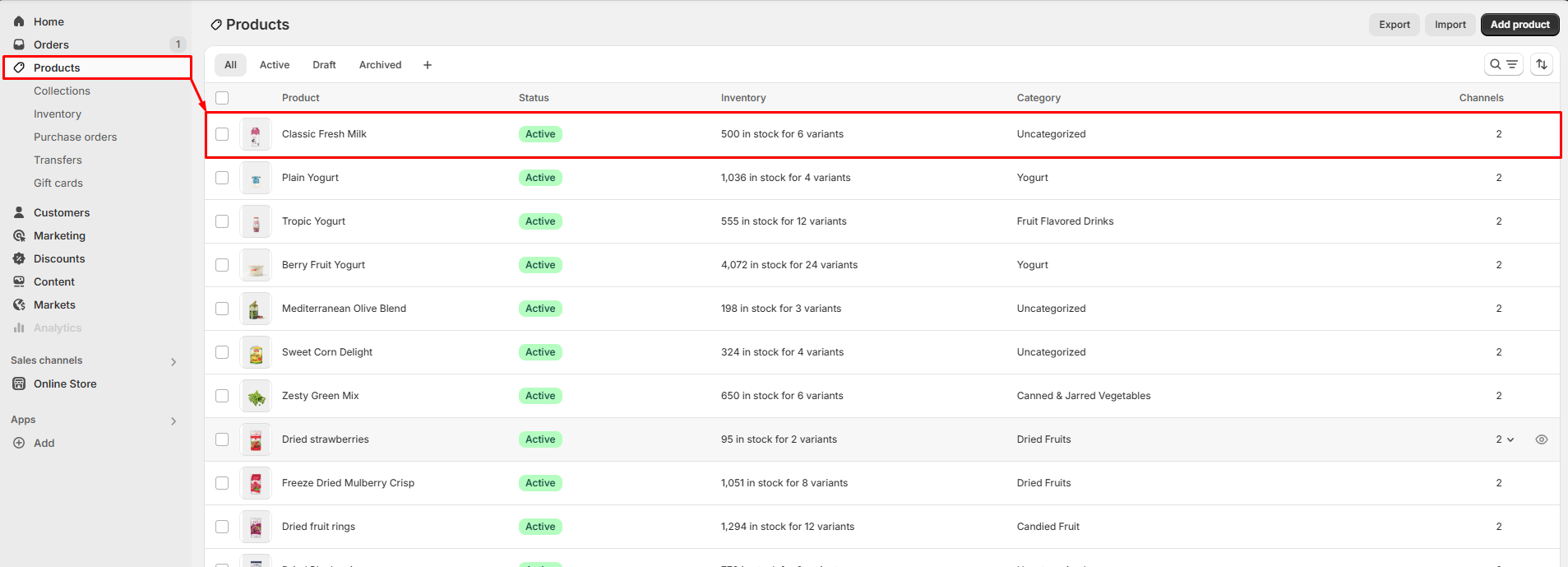
**Step 1:** From your Shopify admin, go to **Products → All Products**.
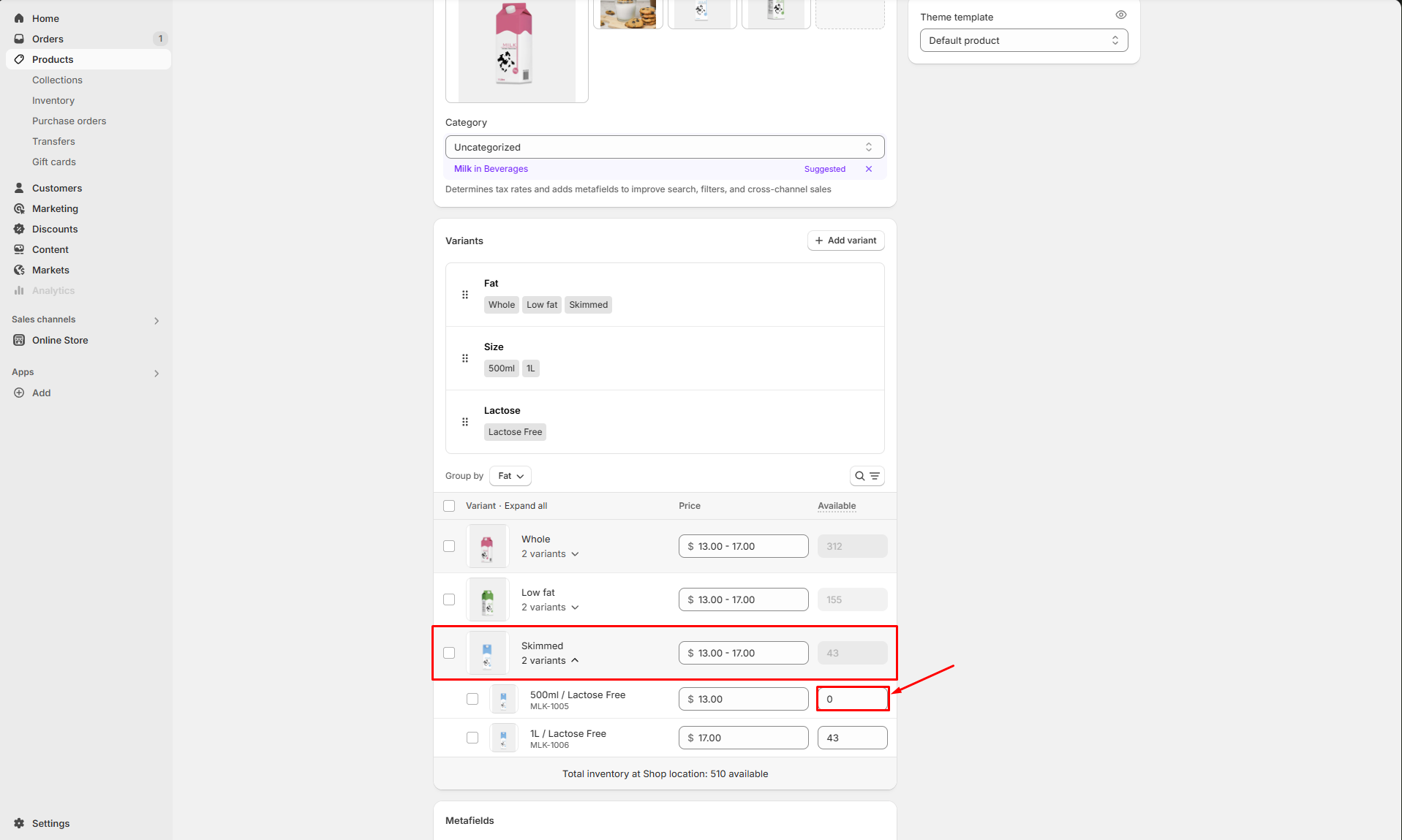
**Step 2:** Click to open the product that is currently sold out.
**Step 3:** In the **Inventory** section, check the option **Continue selling when out of stock**.
***
You’re all set!
Your product is now available for pre-order. Customers can purchase it even when the stock is depleted, and the button will display "Pre-Order" instead of "Add to Cart".