> For the complete documentation index, see [llms.txt](https://halosoft.gitbook.io/bonnita-documentation/llms.txt). Markdown versions of documentation pages are available by appending `.md` to page URLs; this page is available as [Markdown](https://halosoft.gitbook.io/bonnita-documentation/page/other-pages/404-page.md).
# 404 Page
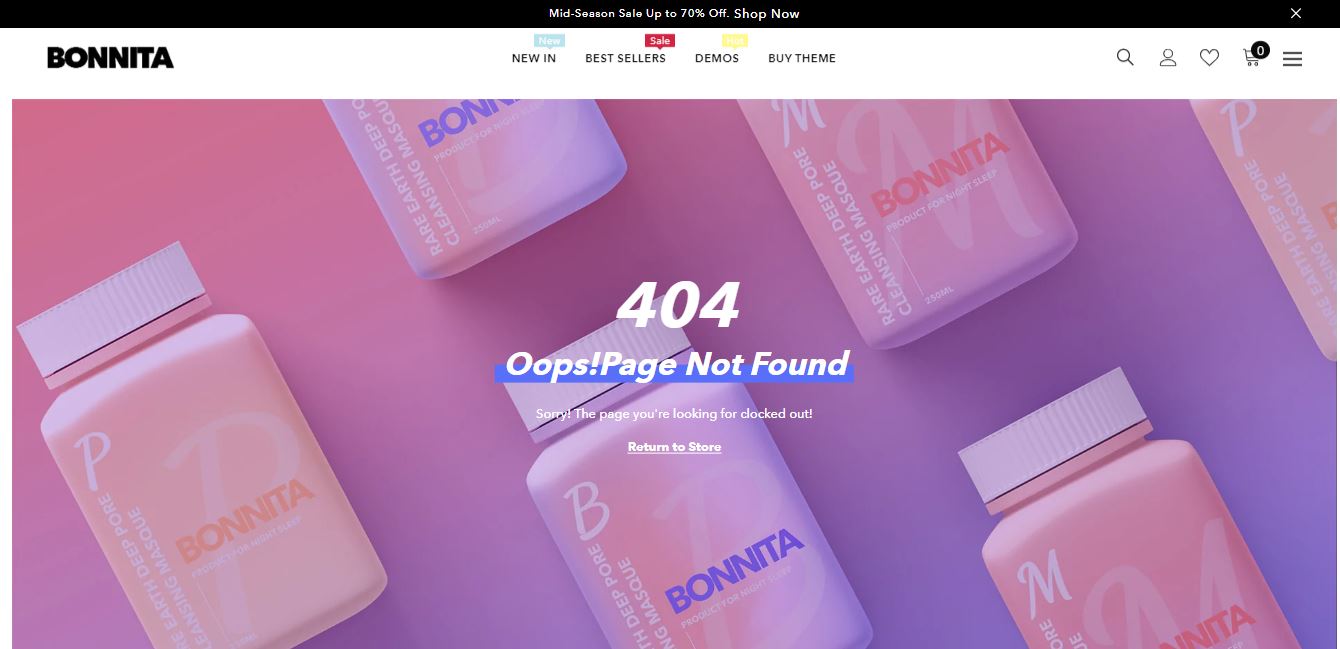
**404 Page** tells the visitors that the requested page is unavailable or it doesn’t exist for certain reasons.
## How to set up sections for 404 Page?
1. From your Shopify admin, go to **Online Store** **->** **Themes**.
2. Find the theme that you want to edit, and then click **Customize**.
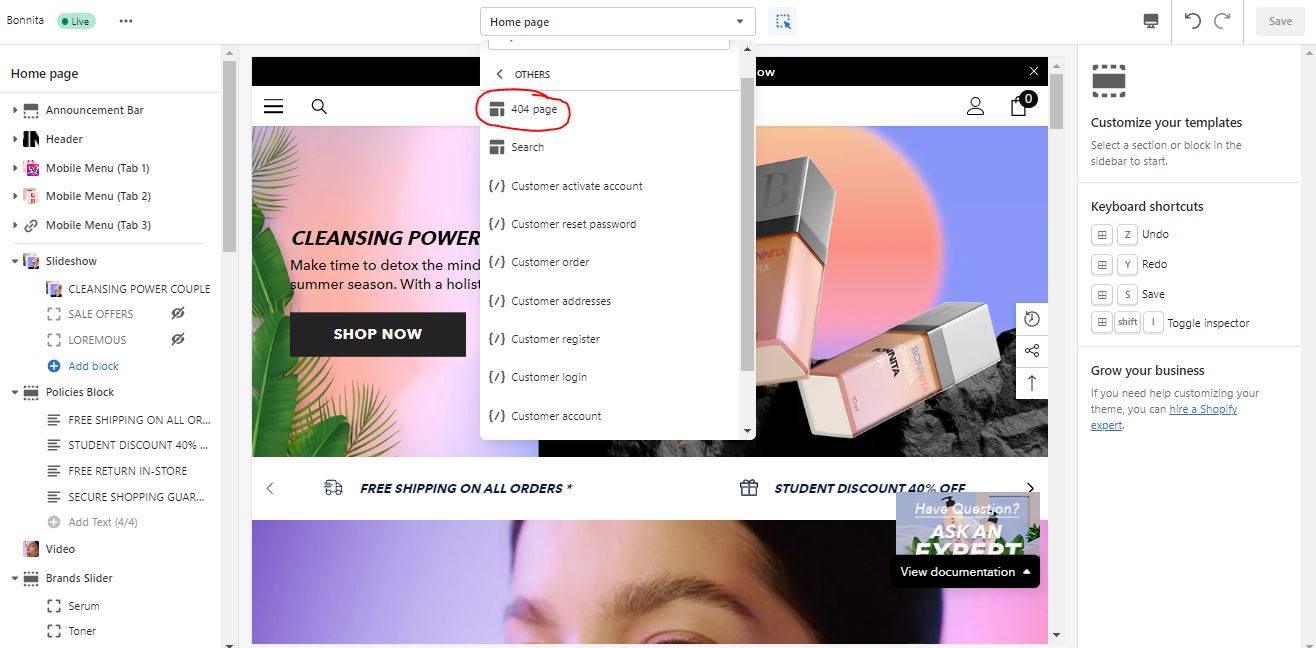
3. Choose **Others** from the dropdown window **->** Choose **404 page**.