> For the complete documentation index, see [llms.txt](https://halosoft.gitbook.io/bc-nimo-documentation/llms.txt). Markdown versions of documentation pages are available by appending `.md` to page URLs; this page is available as [Markdown](https://halosoft.gitbook.io/bc-nimo-documentation/home-jewelry/featured-categories-1.md).
# Featured Categories 1
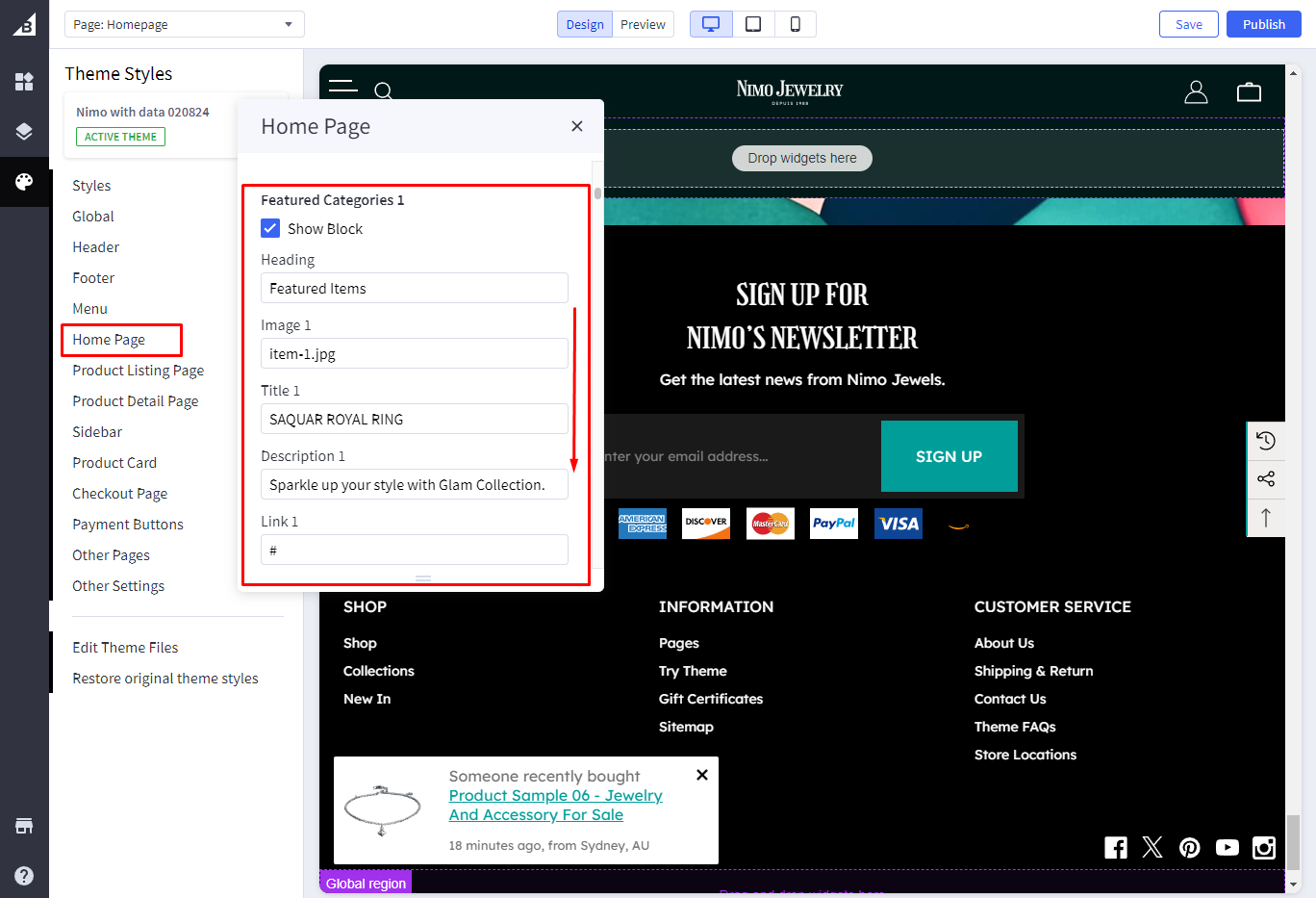
Go to **Storefront** -> **My Themes** -> **Customize**. (If your store is a new store, you may need to go to **Channel Manager -> Themes -> Edit Theme**)
In the **Theme Editor** -> go to **Home Page / Featured Categories 1**
{% hint style="info" %}
When you are happy with your changes, don't forget click **Save** and **Publish** to repackage the edited theme.
{% endhint %}
{% hint style="info" %}
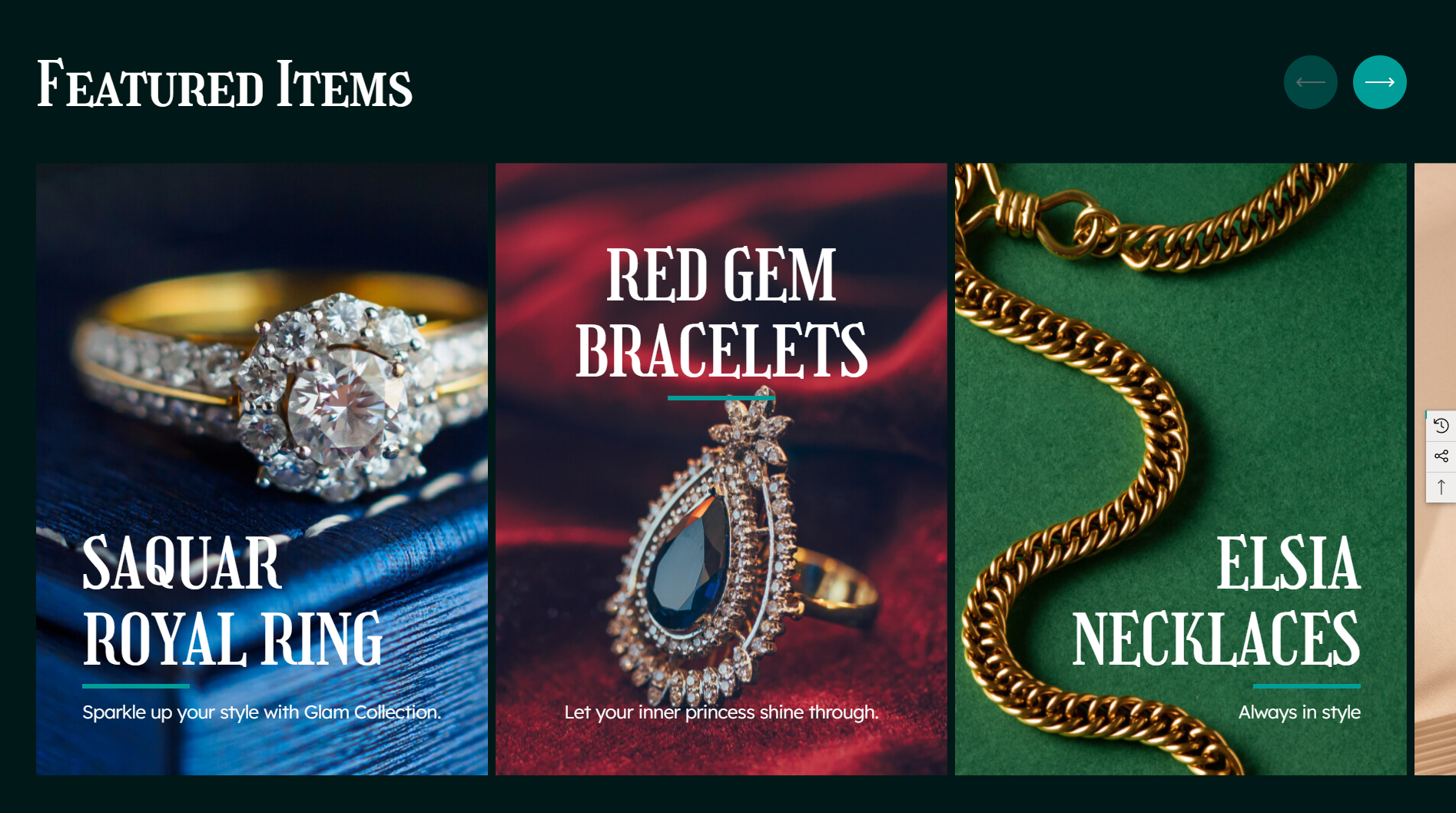
Recommended Banner Size: **590x800px**. Please notice that you will need to upload the correct size like our recommended size for this banner to show the perfect banners like our Demo theme.
{% endhint %}